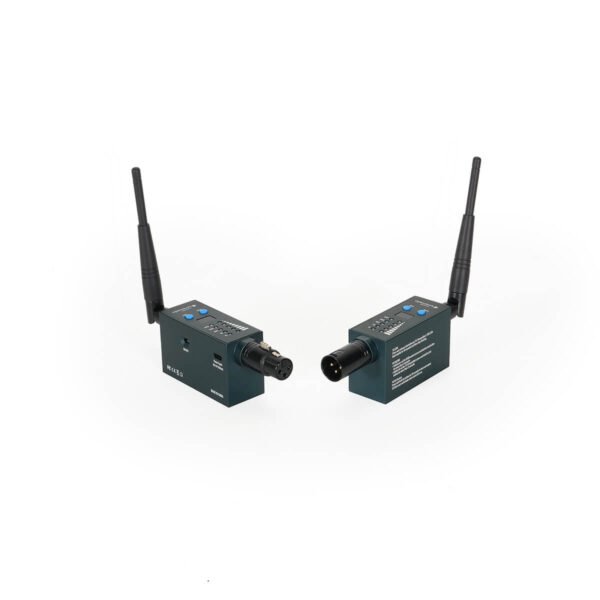
1. Why do you choose the Wireless DMX Transmitter/Receiver units from us?
The wireless DMX units are integrated with original LumenRadio’s wireless modules. LumenRadio is one of the top choices for wireless DMX due to its reliability, low latency, and advanced interference management. So, these are the most reliable and affordable wireless DMX units on the market.
2. What makes our wireless DMX different from others?
Powered by LumenRadio, our wireless DMX system features
-CRMX (Cognitive Radio Multiplexer) technology for stable, interference-free signal
-Automatic frequency hopping to avoid Wi-Fi and other wireless interference
-Low latency (~5 ms)
-Plug-and-play operation
-Interoperability with products from multiple manufacturers using LumenRadio modules
3. How far is the wireless transmission range?
Typical range is:
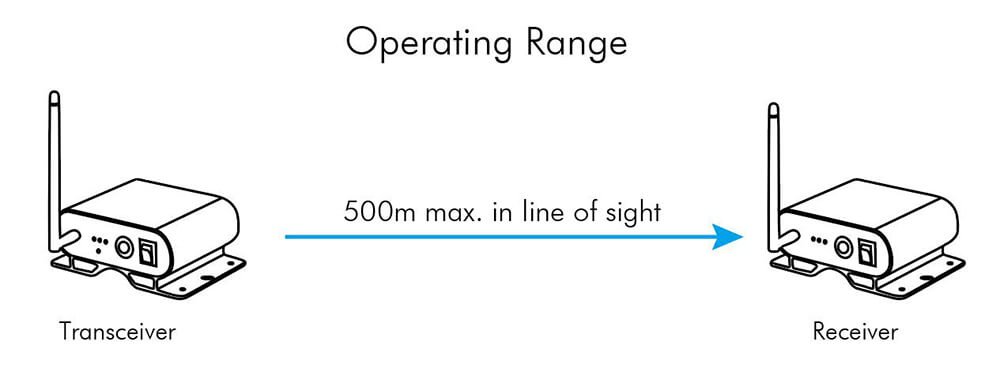
-Up to 500 meters (1640 ft) line-of-sight
-100-200 meters in indoor or obstacle-rich environments
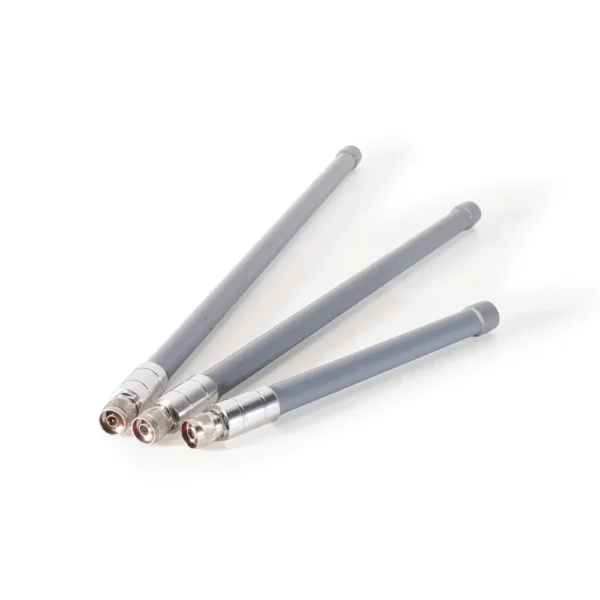
Using high-gain antennas can extend the range further.
4. How many receivers can be connected to one transmitter?
One transmitter can support unlimited receivers within its signal range.
5. Can I use multiple wireless DMX universes simultaneously?
Yes. Each transmitter can handle one DMX universe, and you can run up to 12 systems in parallel without conflicts.
6. Is your Wireless DMX reliable in crowded wireless environments (Wi-Fi, Bluetooth)?
Yes. CRMX technology uses adaptive frequency hopping and error correction, making it highly resistant to interference in congested 2.4 GHz environments.
7. Can I use the wireless DMX system outdoors or on large stages?
Absolutely. We have IP-rated units for outdoor use, and the system is suitable for large-scale events like concerts, festivals, or touring.
8. Is your wireless DMX secure? Can others interfere with my DMX signal?
Yes. LumenRadio CRMX uses 128-bit encryption, preventing unauthorized access or control. It also binds receivers to a specific transmitter to avoid accidental interference.
9. How do I pair a receiver to a transmitter?
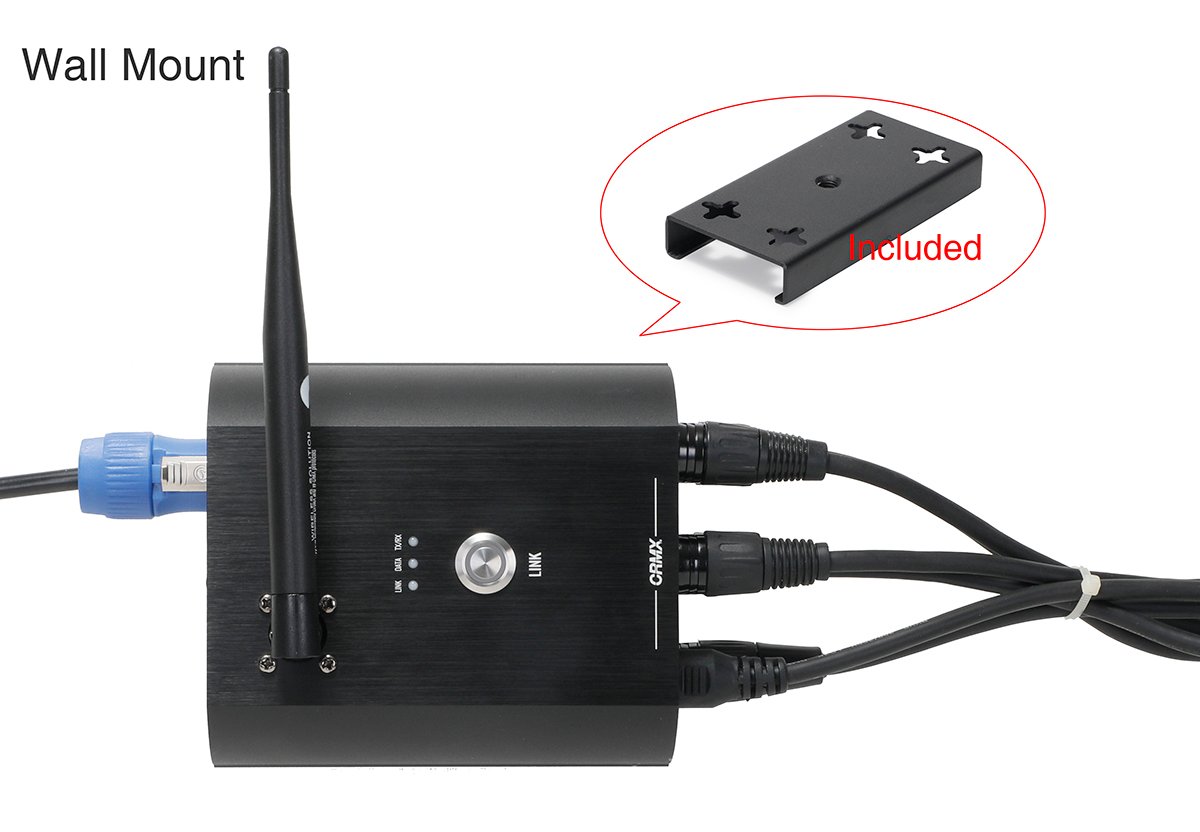
Just press and release the LINK button quickly on the transmitter, the transmitter will search for all unlinked receiver in range and establish linkages.
10. If something won’t link, how to manage it?
Check power/antennas, distance/obstructions, TX/RX mode and universe, unlink/re-pair, confirm RDM/DMX addressing, then update firmware and do an on-site RF check.